terminux
A fast, reliable, cross-platform terminal, organized the way you actually work.
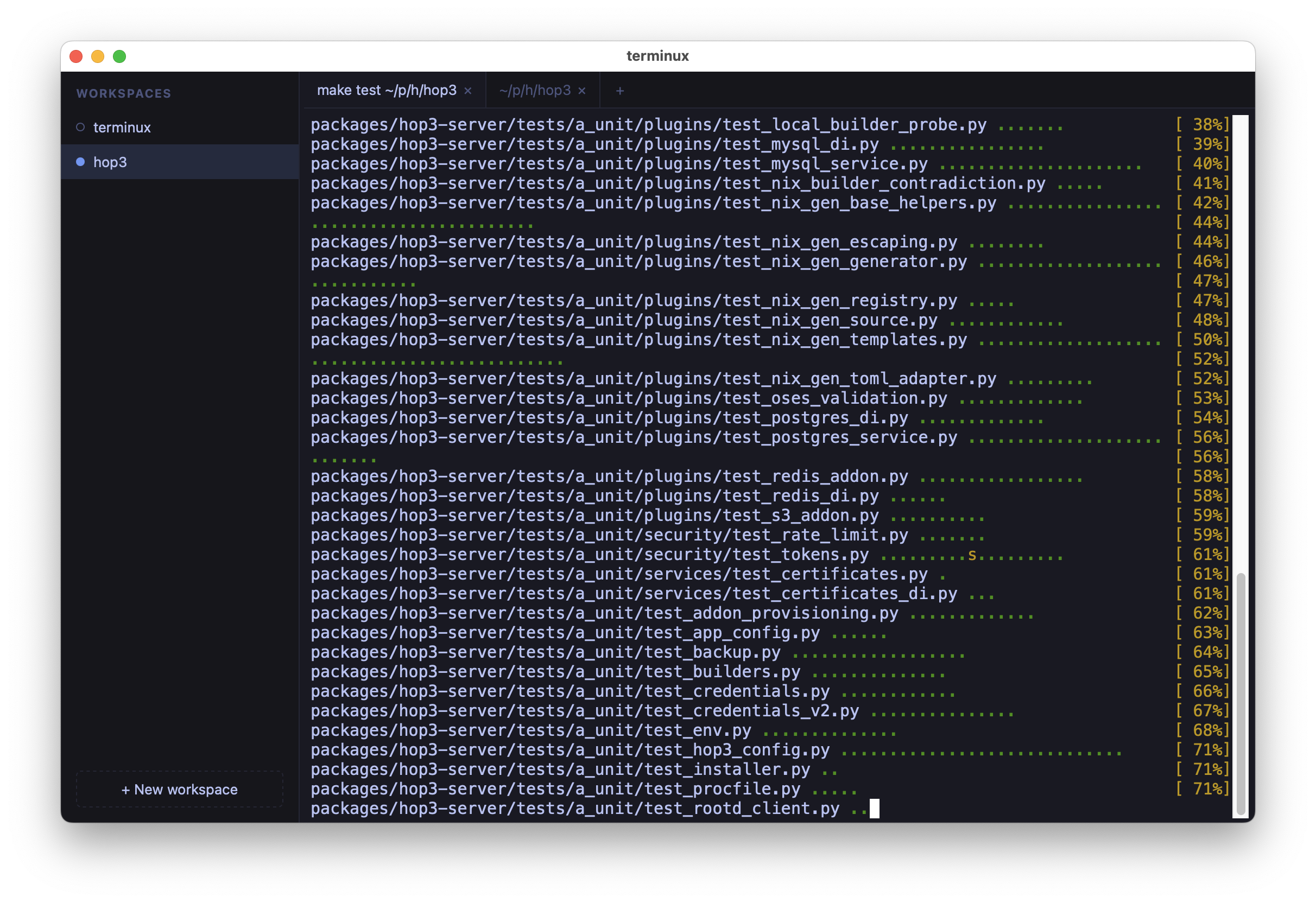
You have several projects on the go: each one is a different directory, a different mental context, a different set of running shells. terminux gives each of them a home (a workspace in a persistent sidebar), keeps its tabbed terminals streaming in the background, and brings everything back after a restart.
The pitch comes down to three things:
- Workspaces with signals. Every workspace shows a status dot that reads like a CI traffic light: amber while a foreground task works, green once it finishes and wants a look. Tens of projects stay scannable at a glance, and
Cmd/Ctrl+1..9jumps straight to the first nine. - Everything comes back. Quit and relaunch: workspaces, tabs, window geometry, font size, each shell's working directory, and each tab's visible scrollback are restored, with fresh shells spawned where you left off.
- Remote access. Run the backend on a server and connect from your laptop with
--connect: long builds keep going while you close the lid or switch networks, and terminals reconnect on their own. See Remote access.
terminux is local-first with a small, auditable surface. There is no account, telemetry, AI, or editor: just a terminal that respects your flow, built with reliability over features as the guiding principle.
Install and run in two commands:
Where next
- Getting started: install, package, and configure terminux.
- Guides: workspaces, keyboard, remote mode, and shell integration, organized by what you want to do.
- Developers: the two-process architecture, the HTTP/WebSocket API, and how to hack on it.
- About and Compared to…: the project's philosophy, and how terminux relates to tmux, iTerm2, and friends.
Status: 0.10 preview
terminux is a 0.10 preview for macOS, Linux and Windows. The workspace + tabbed-terminal core, scrollback persistence, and remote access work well; split panes are not done yet. See the FAQ.